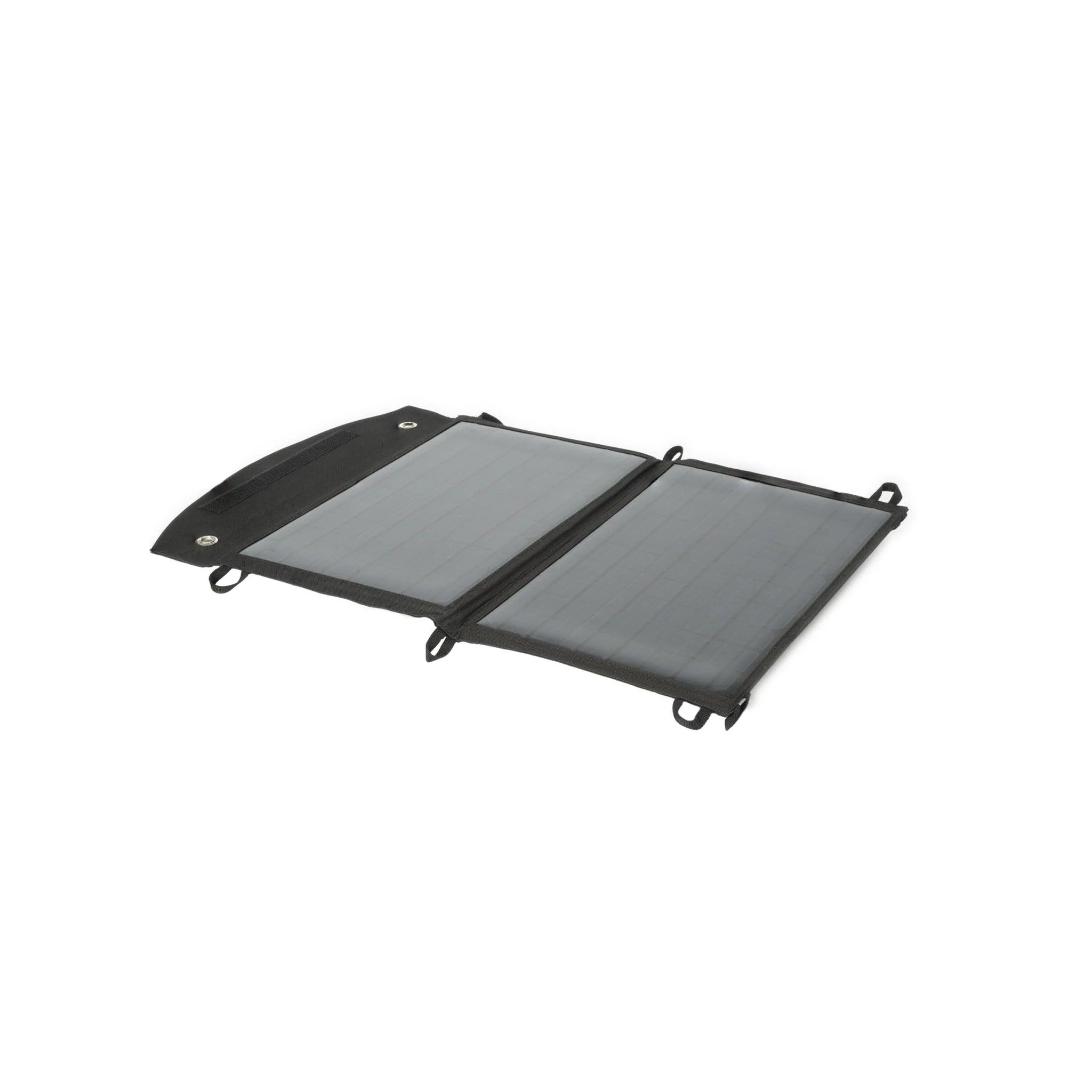
Medistrom Pilot Lite Cable Kit
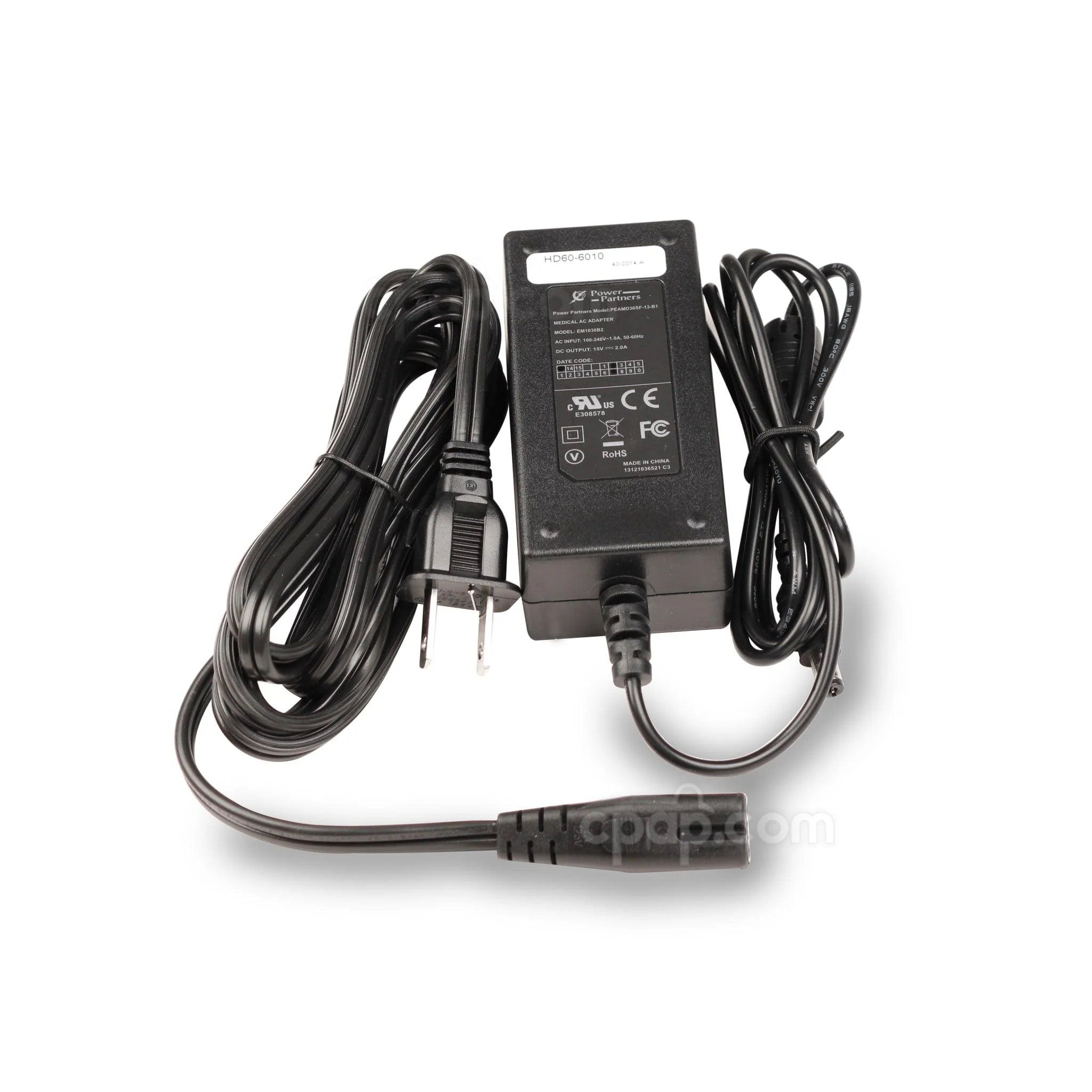
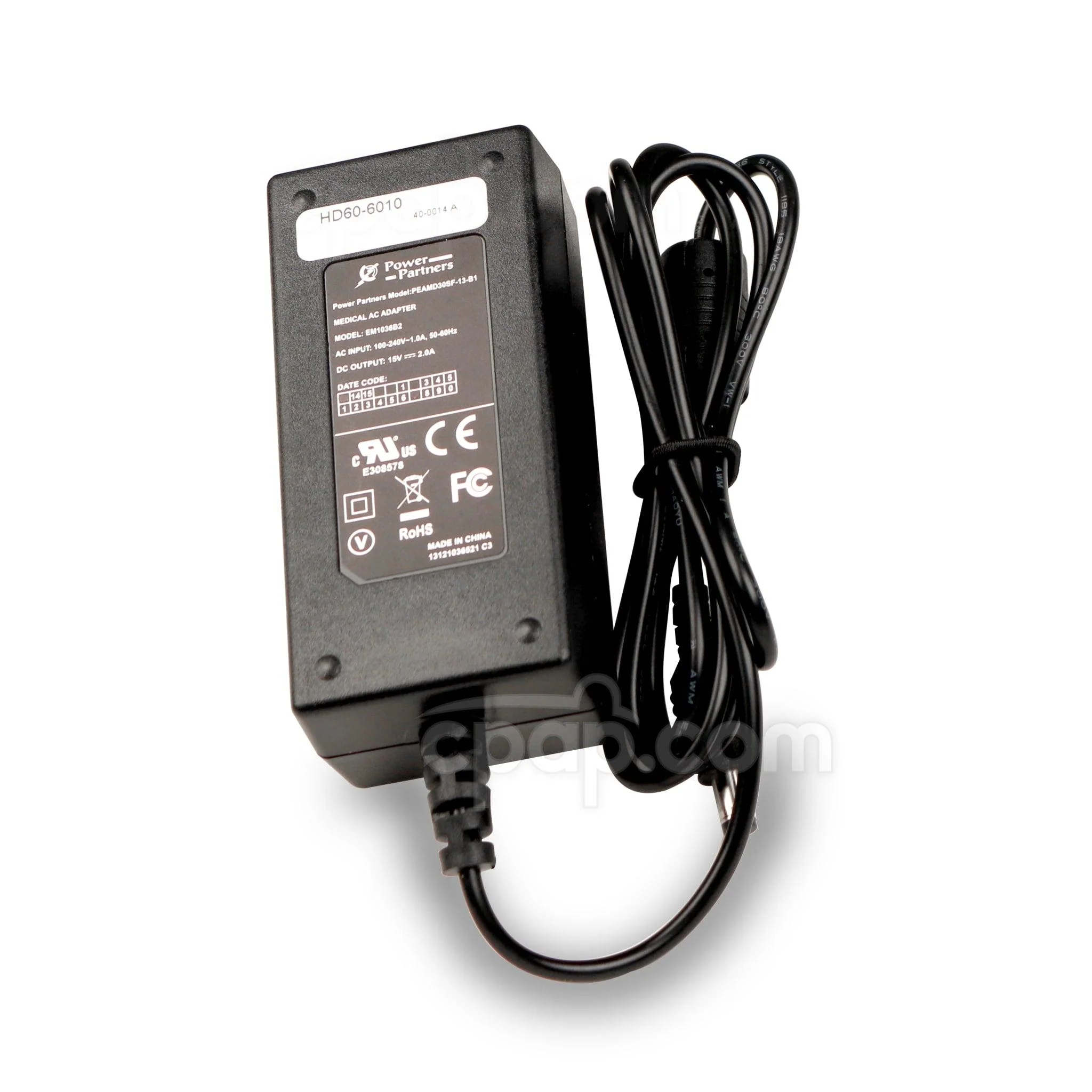
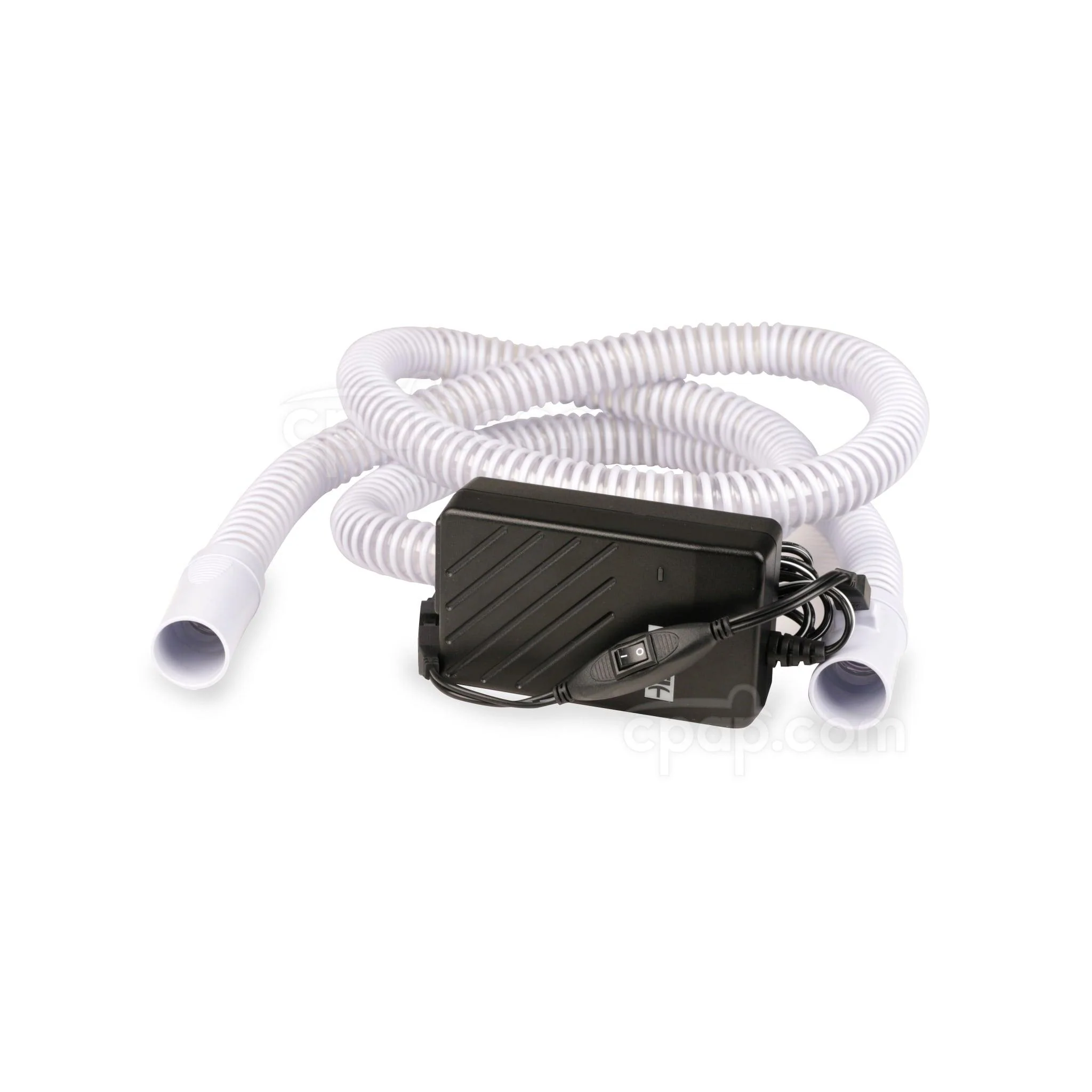
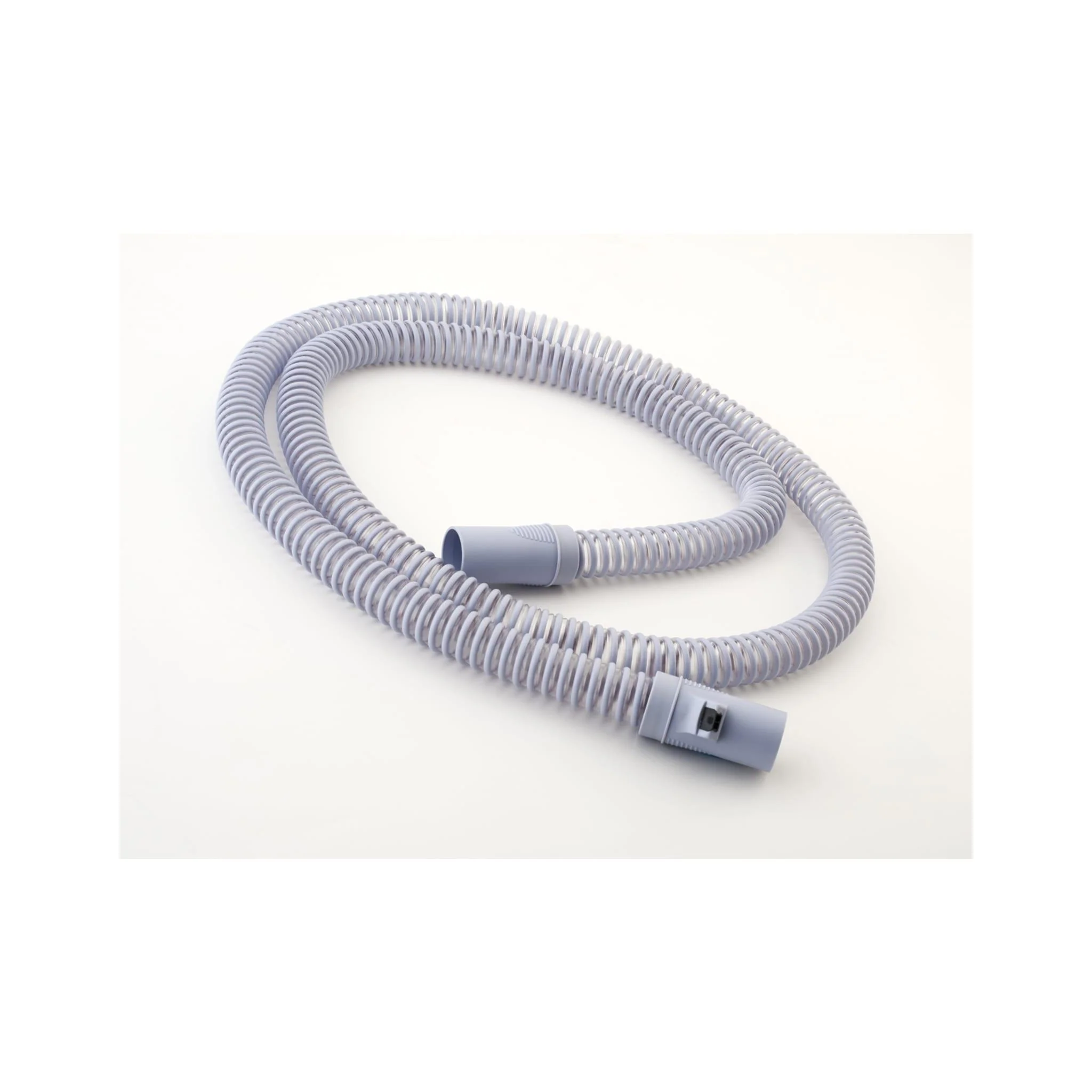
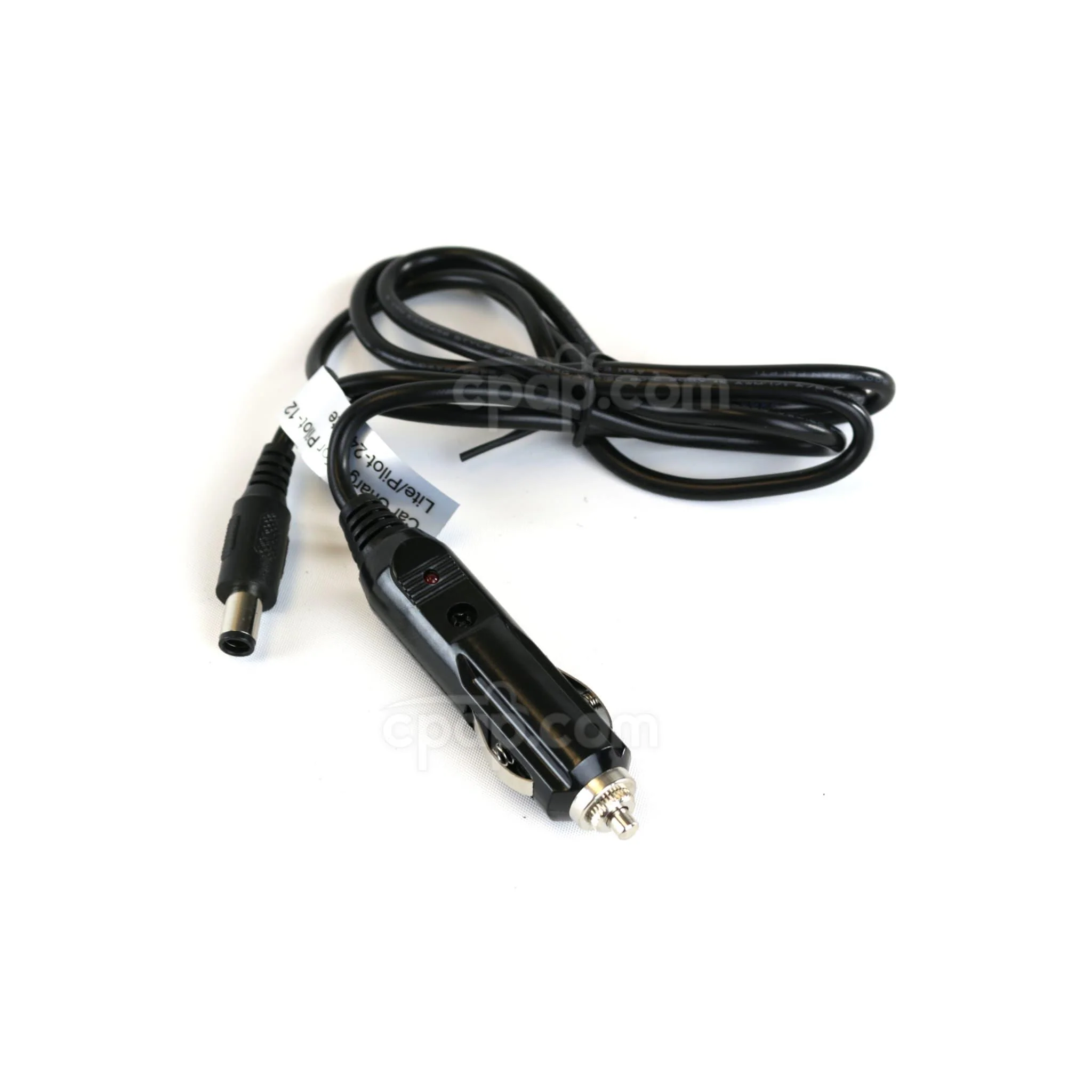
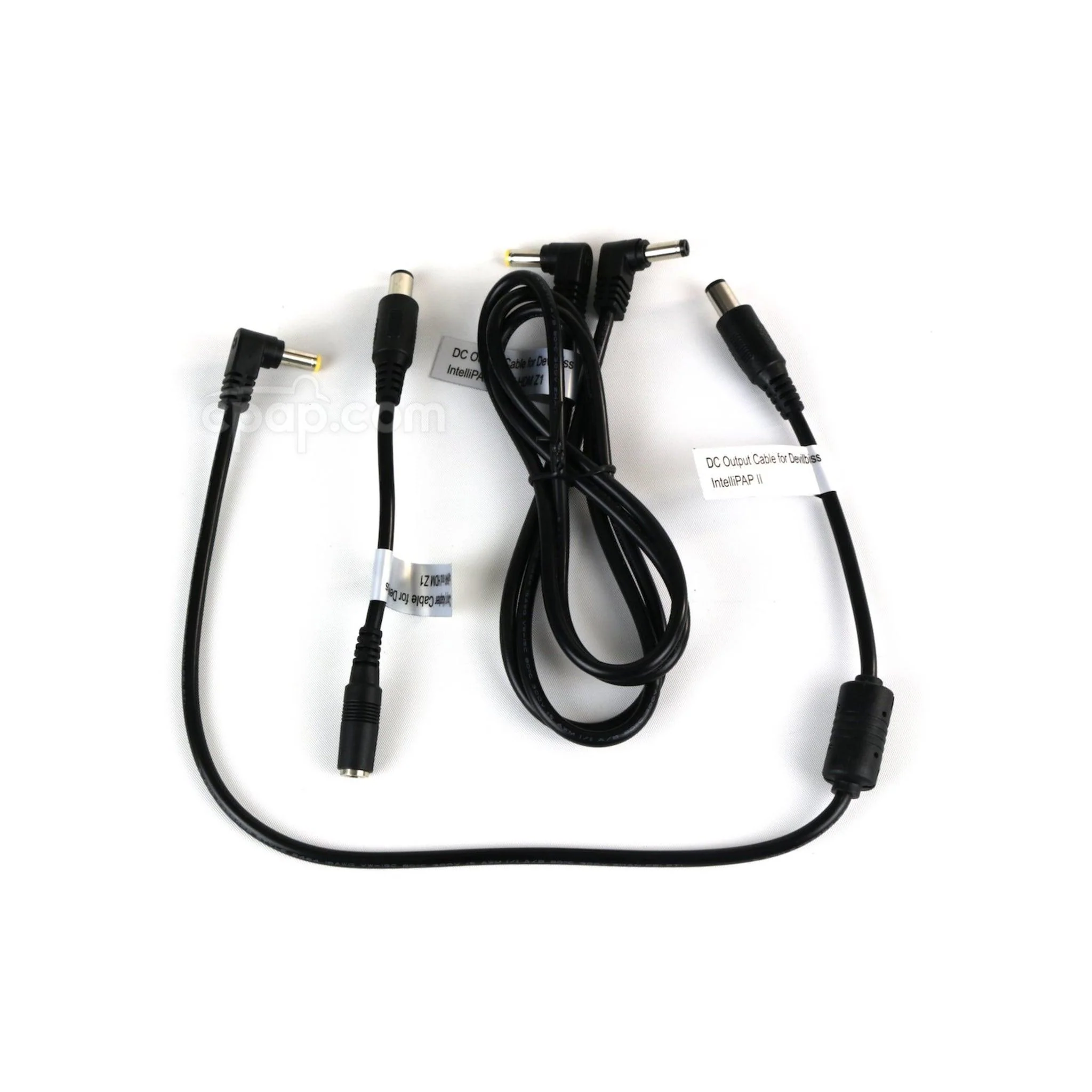
Power your CPAP machine with the Medistrom Pilot 12 Cable Kit for Z1, Z2, and IntelliPAP Machines . This kit includes a DC output cable and short charging adapter cable for a variety of IntelliPAP models.
Learn More About the Medistrom Pilot 12 Cable Kit for Z1, Z2, and IntelliPAP Machines:
- Made for the IntelliPAP, IntelliPAP 2, and Auto and Standard Z1 and Z2 Machines
- Kit Outfitted with Cables and Adapters You Need to Power Your Sleep Therapy
Made for the IntelliPAP, IntelliPAP 2, and Auto and Standard Z1 and Z2 Machines
The kit includes connections for the DreamStation Auto and the System One 60 Series, and you’ll need the kit to connect to the Pilot–12 Lite back–up power supply for the following machines:
- IntelliPAP
- IntelliPAP 2
- Z1 Auto Travel CPAP
- Z2 Auto Travel CPAP
- Z1 Standard Travel CPAP
- Z2 Standard Travel CPAP
In addition, the kit contains the adapter you need to connect your Z1 or Z2 power supply to the Pilot–12 Lite Battery. The kit is designed to work for the Pilot–12 Lite and won’t work with any other battery, including the Medistrom Pilot–24 Lite.
General Tips Section
Typical Battery Charge Times: 2 - 3 Hours
Connection Tips for Compatible Devices
In this section, we'll cover connection tips for charging your machine, connecting to your machine, and using as a battery backup:
Charging
- The power supply for your machine will be needed to charge the battery. If you have a Z1 or a Z2, you'd need the adapter included with the Mixed Kit to connect your power supply. Simply connect it to AC power and to the DC-In port on the battery.
Instructions for Use
- Each DC connector from the battery to the machine is clearly labeled with the name of the correct machine printed on the label.
- All you need to do is select the appropriate cable, and connect it from the DC-Out port on the battery to the DC-In port on the machine.
- Once you turn on the battery, the machine will have power.
Using as a Battery Backup
- To use as a battery backup, you'll need to connect the battery to the power supply, by plugging it into the wall outlet. You should also connect the machine to the battery at the same time.
- You'd turn on the battery. The battery can tell when outlet power has been lost and automatically adjusts, kicking in as a backup.
P12DS2DOC, P12MXDPLK, P24PDGPLK
Original: $15.00
-70%$15.00
$4.50More Images
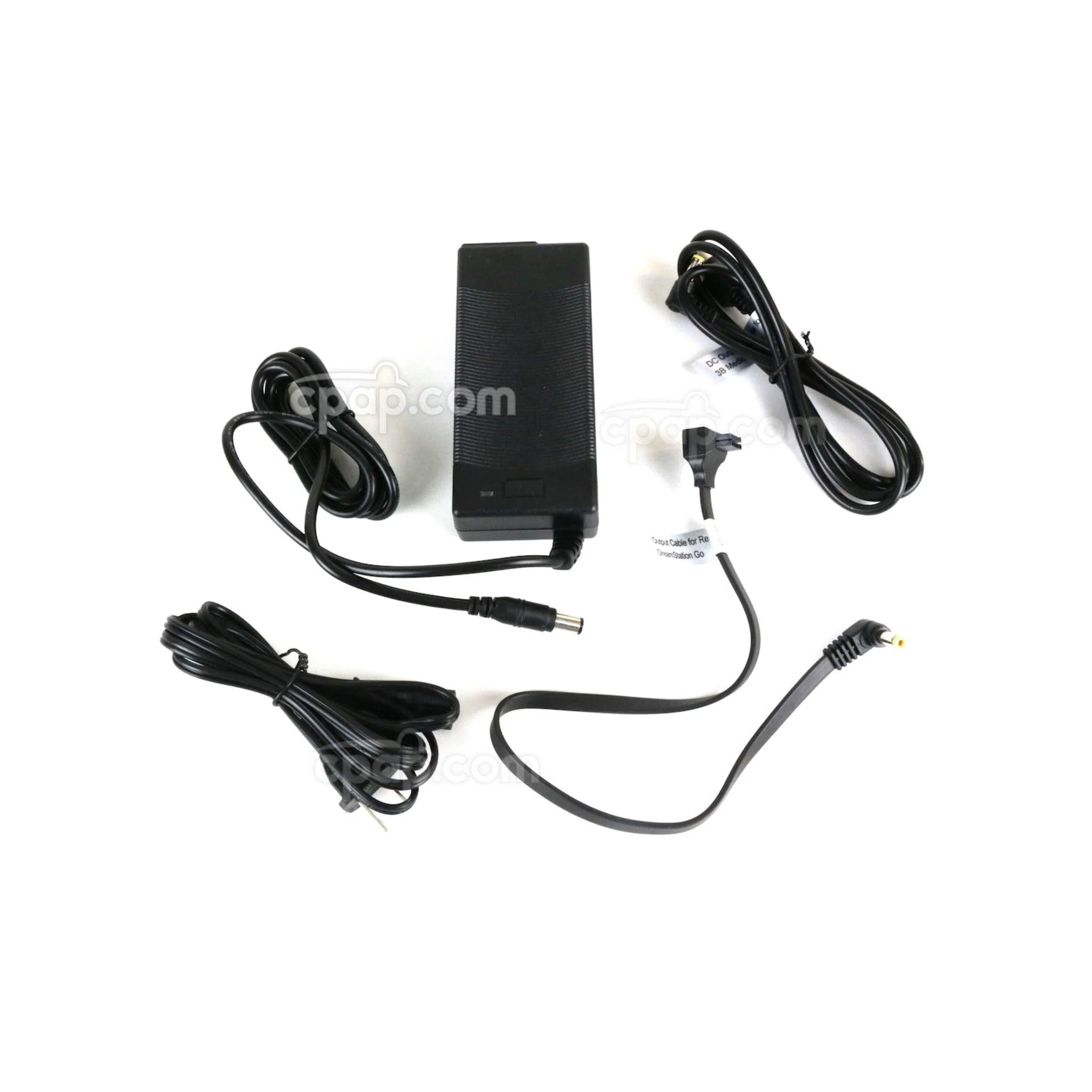
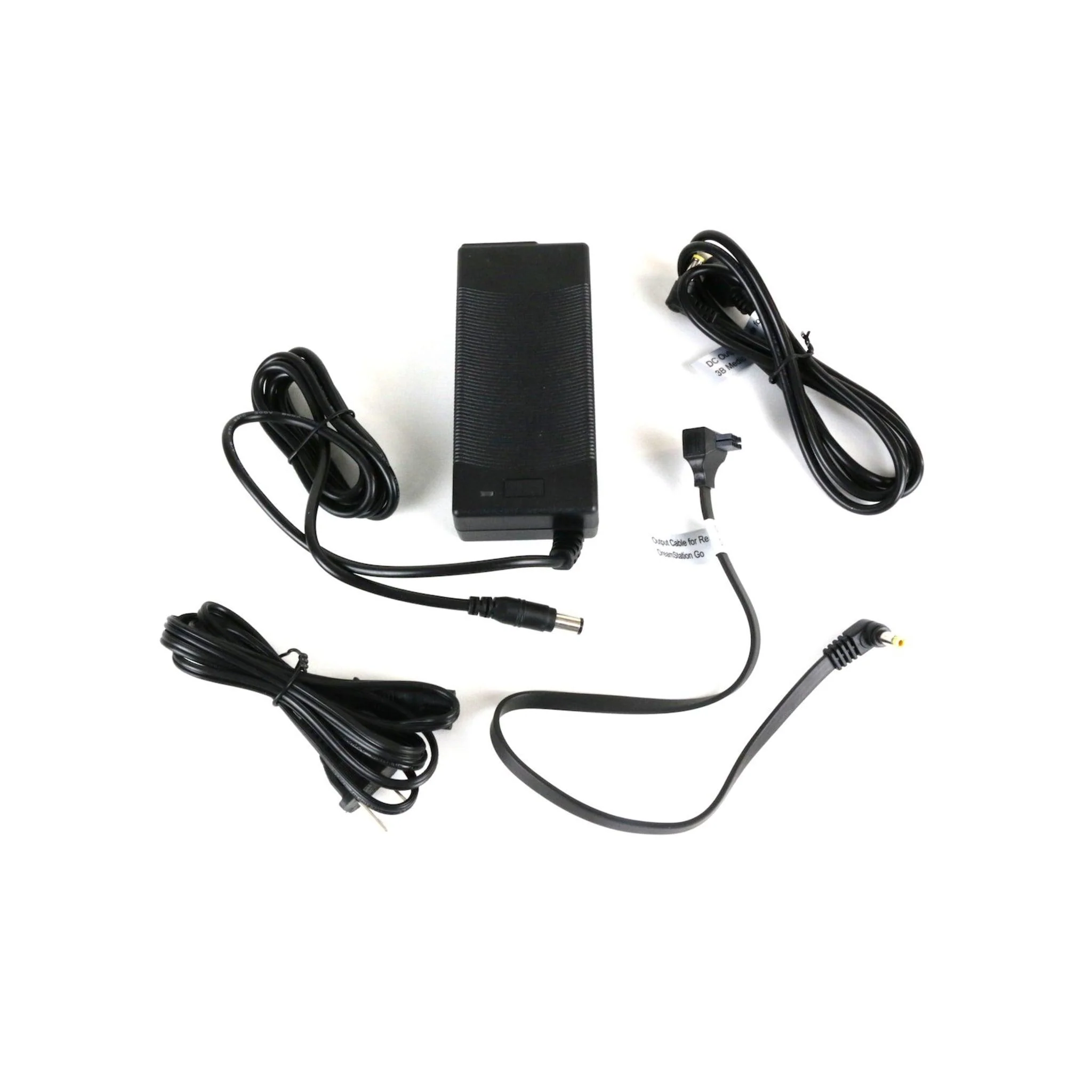
Medistrom Pilot Lite Cable Kit
Power your CPAP machine with the Medistrom Pilot 12 Cable Kit for Z1, Z2, and IntelliPAP Machines . This kit includes a DC output cable and short charging adapter cable for a variety of IntelliPAP models.
Learn More About the Medistrom Pilot 12 Cable Kit for Z1, Z2, and IntelliPAP Machines:
- Made for the IntelliPAP, IntelliPAP 2, and Auto and Standard Z1 and Z2 Machines
- Kit Outfitted with Cables and Adapters You Need to Power Your Sleep Therapy
Made for the IntelliPAP, IntelliPAP 2, and Auto and Standard Z1 and Z2 Machines
The kit includes connections for the DreamStation Auto and the System One 60 Series, and you’ll need the kit to connect to the Pilot–12 Lite back–up power supply for the following machines:
- IntelliPAP
- IntelliPAP 2
- Z1 Auto Travel CPAP
- Z2 Auto Travel CPAP
- Z1 Standard Travel CPAP
- Z2 Standard Travel CPAP
In addition, the kit contains the adapter you need to connect your Z1 or Z2 power supply to the Pilot–12 Lite Battery. The kit is designed to work for the Pilot–12 Lite and won’t work with any other battery, including the Medistrom Pilot–24 Lite.
General Tips Section
Typical Battery Charge Times: 2 - 3 Hours
Connection Tips for Compatible Devices
In this section, we'll cover connection tips for charging your machine, connecting to your machine, and using as a battery backup:
Charging
- The power supply for your machine will be needed to charge the battery. If you have a Z1 or a Z2, you'd need the adapter included with the Mixed Kit to connect your power supply. Simply connect it to AC power and to the DC-In port on the battery.
Instructions for Use
- Each DC connector from the battery to the machine is clearly labeled with the name of the correct machine printed on the label.
- All you need to do is select the appropriate cable, and connect it from the DC-Out port on the battery to the DC-In port on the machine.
- Once you turn on the battery, the machine will have power.
Using as a Battery Backup
- To use as a battery backup, you'll need to connect the battery to the power supply, by plugging it into the wall outlet. You should also connect the machine to the battery at the same time.
- You'd turn on the battery. The battery can tell when outlet power has been lost and automatically adjusts, kicking in as a backup.
P12DS2DOC, P12MXDPLK, P24PDGPLK
Product Information
Product Information
Shipping & Returns
Shipping & Returns
Description
Power your CPAP machine with the Medistrom Pilot 12 Cable Kit for Z1, Z2, and IntelliPAP Machines . This kit includes a DC output cable and short charging adapter cable for a variety of IntelliPAP models.
Learn More About the Medistrom Pilot 12 Cable Kit for Z1, Z2, and IntelliPAP Machines:
- Made for the IntelliPAP, IntelliPAP 2, and Auto and Standard Z1 and Z2 Machines
- Kit Outfitted with Cables and Adapters You Need to Power Your Sleep Therapy
Made for the IntelliPAP, IntelliPAP 2, and Auto and Standard Z1 and Z2 Machines
The kit includes connections for the DreamStation Auto and the System One 60 Series, and you’ll need the kit to connect to the Pilot–12 Lite back–up power supply for the following machines:
- IntelliPAP
- IntelliPAP 2
- Z1 Auto Travel CPAP
- Z2 Auto Travel CPAP
- Z1 Standard Travel CPAP
- Z2 Standard Travel CPAP
In addition, the kit contains the adapter you need to connect your Z1 or Z2 power supply to the Pilot–12 Lite Battery. The kit is designed to work for the Pilot–12 Lite and won’t work with any other battery, including the Medistrom Pilot–24 Lite.
General Tips Section
Typical Battery Charge Times: 2 - 3 Hours
Connection Tips for Compatible Devices
In this section, we'll cover connection tips for charging your machine, connecting to your machine, and using as a battery backup:
Charging
- The power supply for your machine will be needed to charge the battery. If you have a Z1 or a Z2, you'd need the adapter included with the Mixed Kit to connect your power supply. Simply connect it to AC power and to the DC-In port on the battery.
Instructions for Use
- Each DC connector from the battery to the machine is clearly labeled with the name of the correct machine printed on the label.
- All you need to do is select the appropriate cable, and connect it from the DC-Out port on the battery to the DC-In port on the machine.
- Once you turn on the battery, the machine will have power.
Using as a Battery Backup
- To use as a battery backup, you'll need to connect the battery to the power supply, by plugging it into the wall outlet. You should also connect the machine to the battery at the same time.
- You'd turn on the battery. The battery can tell when outlet power has been lost and automatically adjusts, kicking in as a backup.
P12DS2DOC, P12MXDPLK, P24PDGPLK